How to play
Try a basic purchase at Pochitto.
STEP1
Proceed to checkout
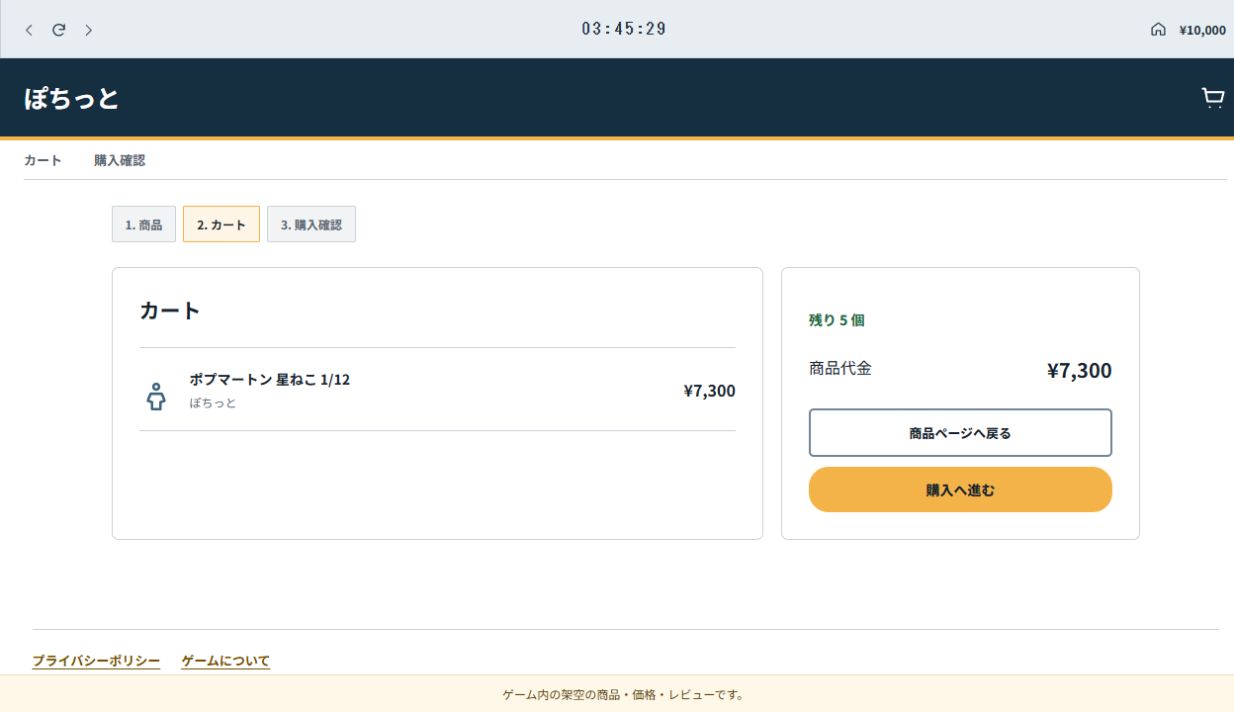
- Open a product from a post.
- Choose Add to cart or Buy now.
STEP2
Select details and confirm
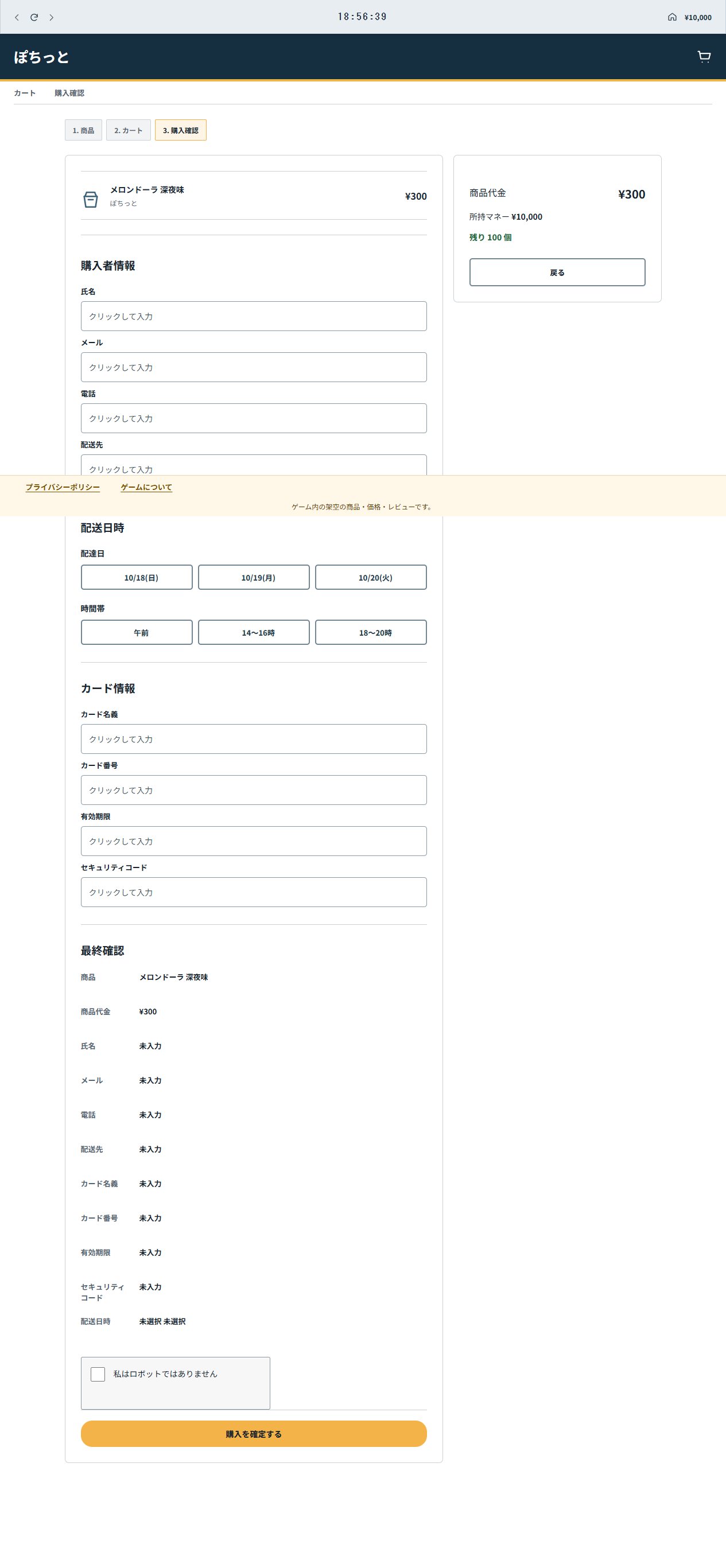
- Tap each field to fill in game-only details.
- Select delivery options, complete the on-screen checks and confirm.
STEP3
See how you did
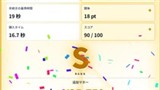
- Check your rank, time and score.
- Your purchases join your collection.
Shops differ: some hold stock, use queues or run lotteries. Check Shops and timeline Tips to learn the differences!